
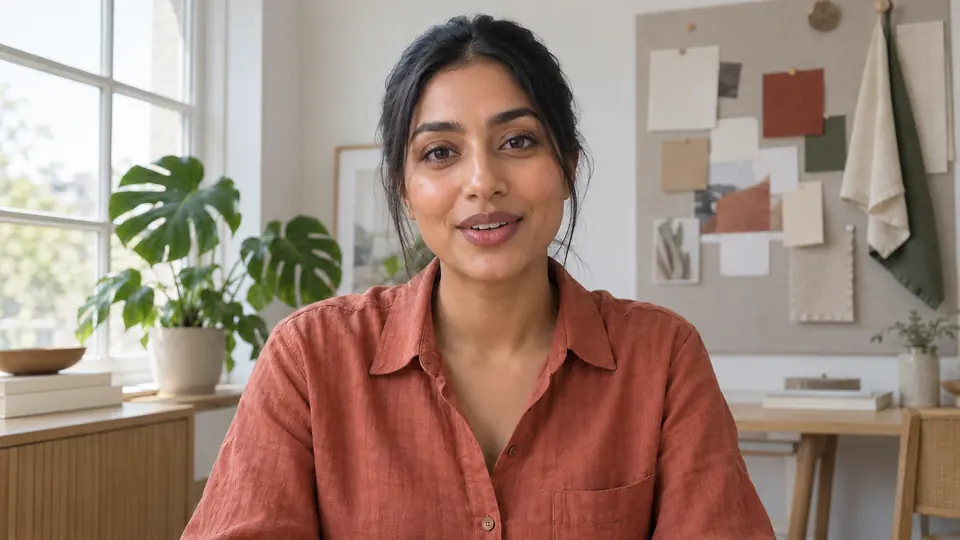
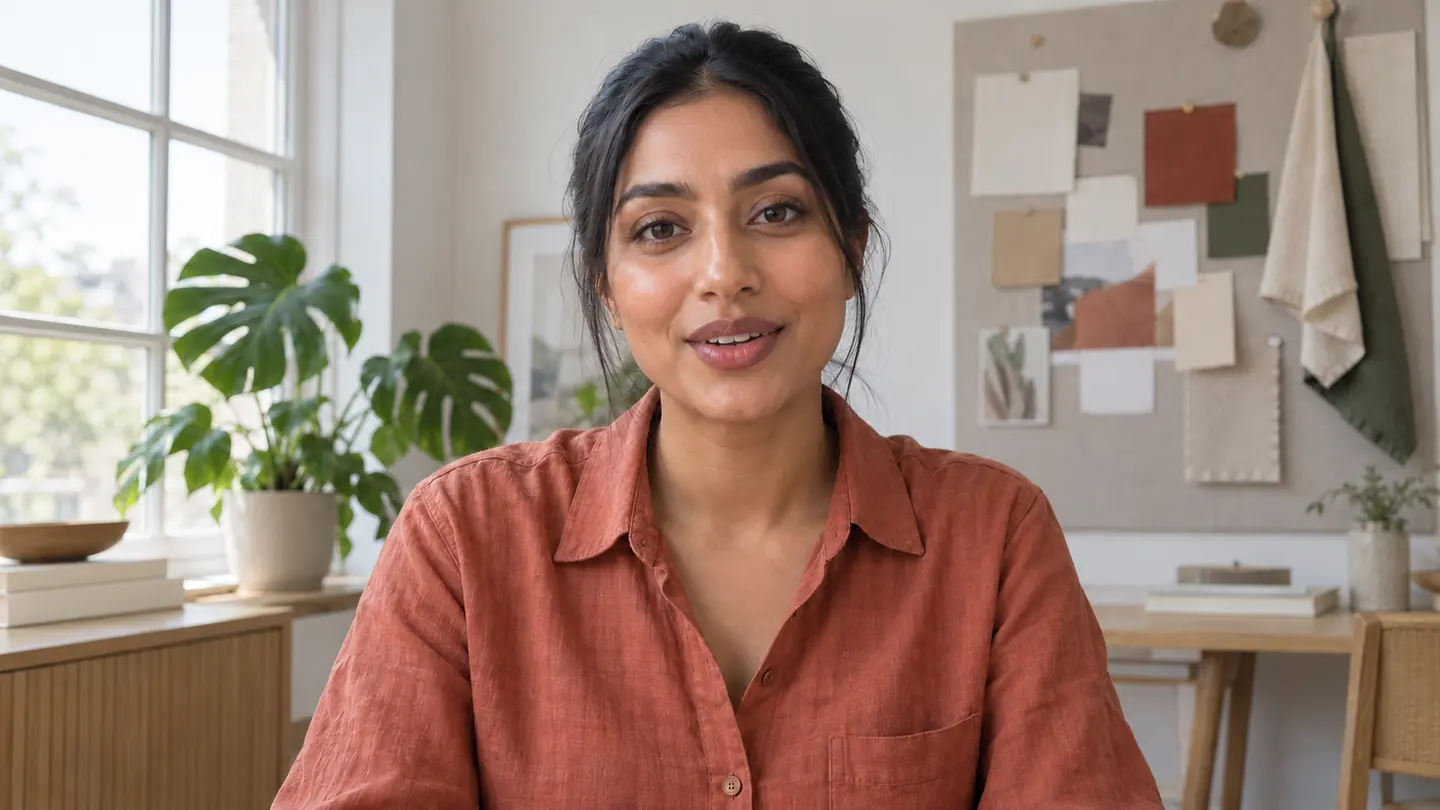
Face trackingSearching
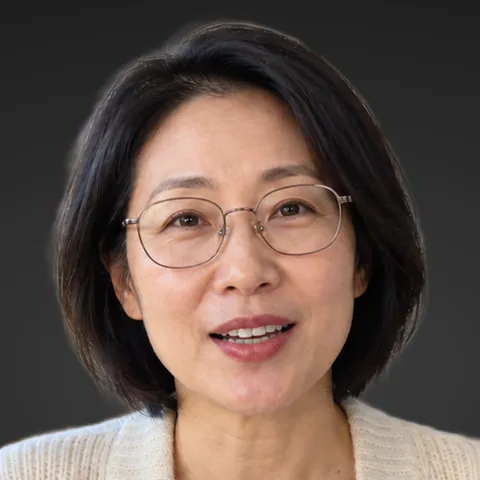
Gimbal follows
It keeps you in frame.
Face tracking turns the camera as you move, so you stay centered without anyone behind it. Auto frame sets a clean shot with room above your head in one click.
Pro⌘T⌘F
For DJI Osmo Pocket creators on Mac
Pocketframe turns your DJI Osmo Pocket into a smart camera for YouTube, streams and tutorials. It follows you, frames you, grades your look and records your screen, right from your Mac.

Why Pocketframe
Plugged into a Mac, the Pocket is already a great webcam. Pocketframe adds what a camera operator would do for you, so you can stay in your seat and keep talking.
Pick what you make. Pocketframe sets up the shot, the look and the recording around it.
YouTube videos
Talking to the camera on your own is hard to make look good. Pocketframe keeps you in frame and gives every take your look.
Face tracking turns the camera as you move, so you stay centered without anyone behind it. Auto frame sets a clean shot with room above your head in one click.


Pick one of six built-in looks or bring your own LUT. You see the grade while you film and it is recorded into every take in 4K, so there is nothing to color later. Drag to compare.
Tutorials and coursesNew in Pro
Record your Mac's screen and the Pocket in one take. Auto zoom glides to every click and follows your cursor, so the finished video looks edited. Blur or remove the room behind you, or stand in front of your screen as a cutout, and the raw files are there if you want to edit it yourself.

Pocketframe's own windows stay out of the screen recording.
Background blur and removal run on your Mac. Camera.mov stays untouched, so you can change your mind later.
Streams and calls
Stay in your stream, your class or your client call. Steer the Pocket, cut between angles and check yourself without touching it.
Save your wide, close and desk shots as Scenes and jump between them with Option 1 to 9 while you are on air. The gimbal glides there on its own.

Pick the Pocket as your camera in OBS, Zoom or Meet and steer it from your desk: drag the picture, scroll to zoom, or use the arrow keys. No reaching into the shot.

Hover the MacBook notch for a live preview, record, zoom and Scenes, even with the main window closed, so nothing covers the stream you are running.
Shorts, Reels and TikTok
Record once for every platform, and take the camera away from the desk when the shot calls for it.
Frame yourself inside the 9:16 guide and record in 4K. The same take crops cleanly for Shorts, Reels and TikTok and still works as a full YouTube video.

Over the Pocket's own Wi-Fi you keep the live view and gimbal control from anywhere on your desk. Pro records 4K to the camera's microSD card and sets resolution, exposure and white balance from your Mac.
Prefer no cable? Pocketframe also connects over the Pocket's own Wi-Fi.
No trial clock. The free version is a complete desk camera, with recording and photos up to 1080p.
Over USB-C the Pocket becomes your camera in Zoom, Meet, OBS and anything else that takes one. Pocketframe keeps the live preview and gimbal in reach.
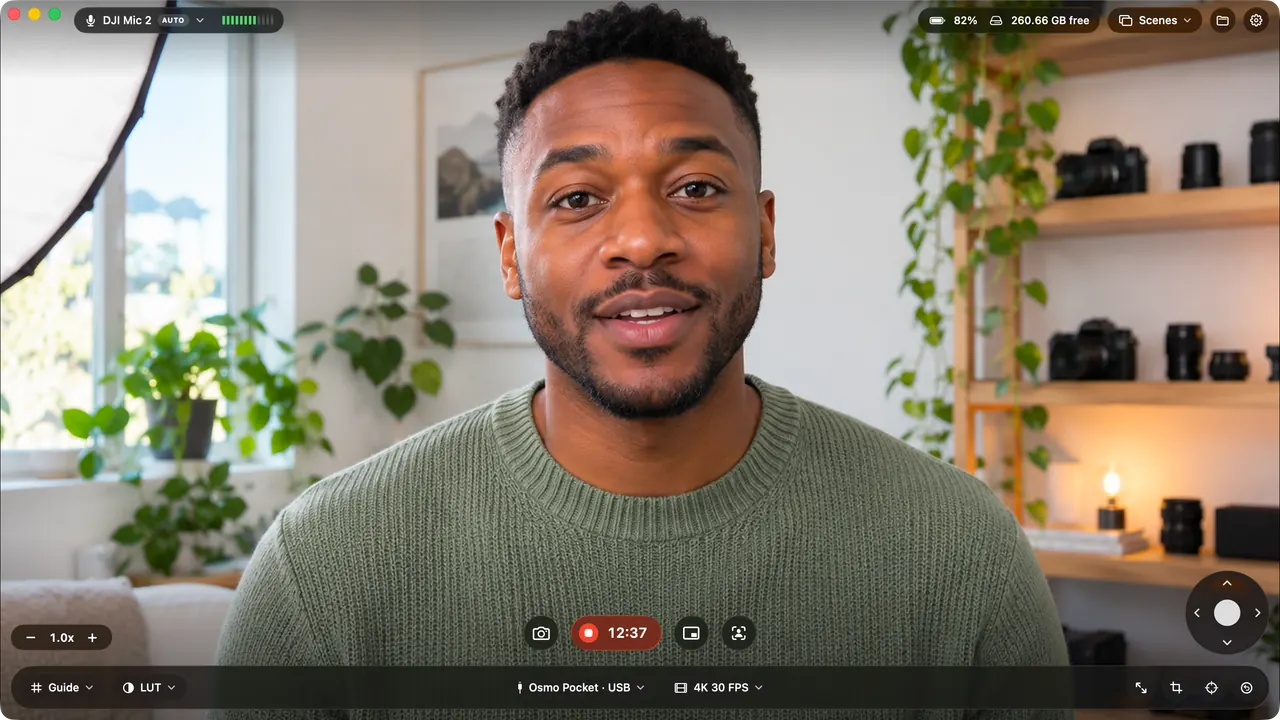
Pocketframe switches to your DJI Mic when it connects and shows a live level meter.
Take photos with a 3, 5 or 10 second countdown, so you can get back in position.
A rule of thirds grid and a horizon line, drawn over the live preview.
Every action has a shortcut, and the menu bar keeps the camera close when the window is closed.
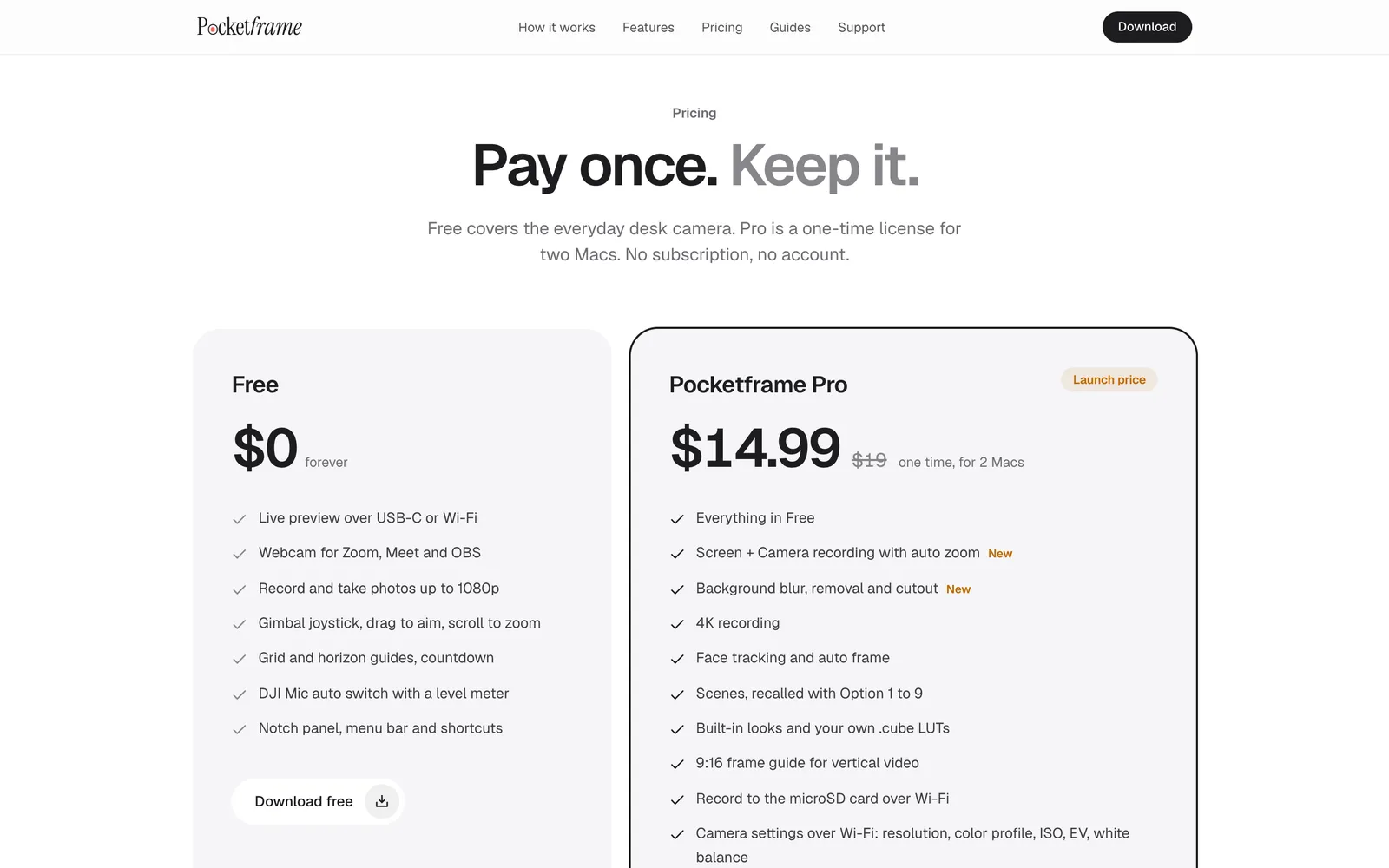
Free covers the everyday desk camera. Pro is a one-time license for two Macs. No subscription, no account.
$0forever
$14.99$19one time, for 2 Macs
Secure checkout by Lemon Squeezy. Your license key arrives by email.
Something else? Write to [email protected].
Pocketframe is made for the DJI Osmo Pocket 3, Osmo Pocket 4 and Osmo Pocket 4P, and is developed and tested on the 4P. If something does not behave on your camera, email us and we will look into it.
Download Pocketframe free. Go Pro when tracking, 4K and screen recording earn their place on your desk.
macOS 14 or later. Apple silicon and Intel. Notarized by Apple.